1. What is this sliding desktop socket used for?
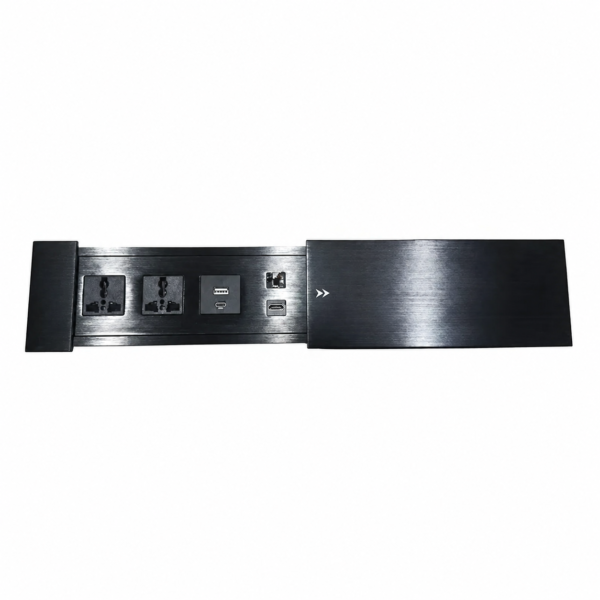
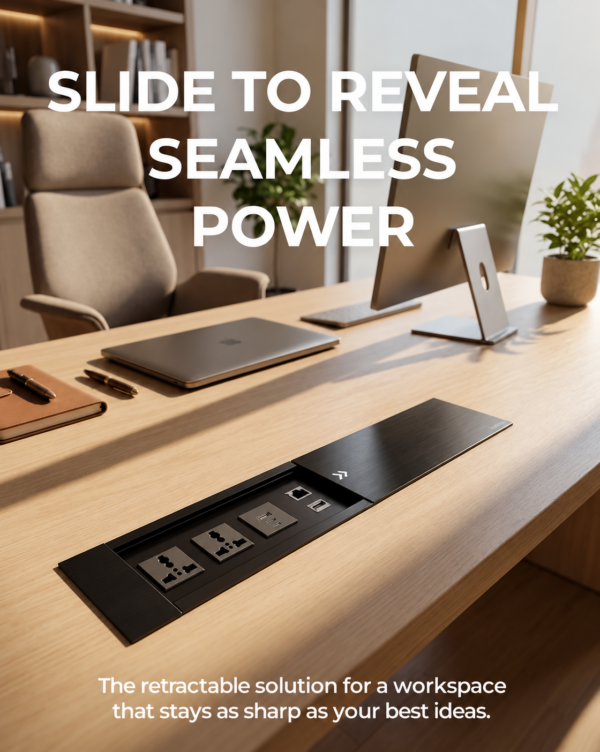
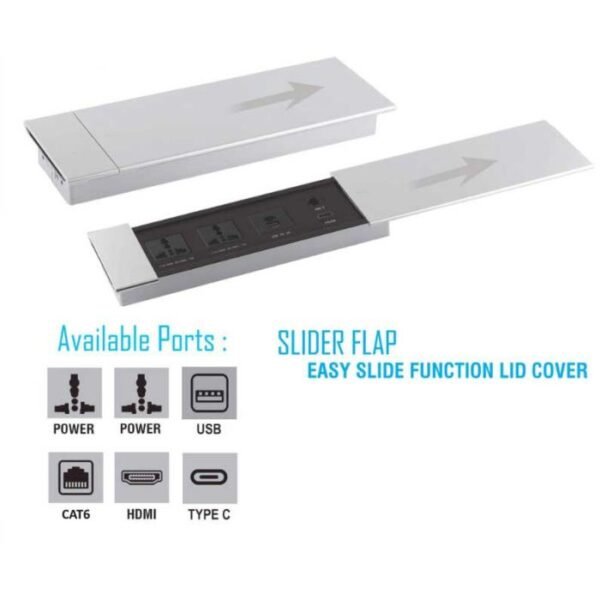
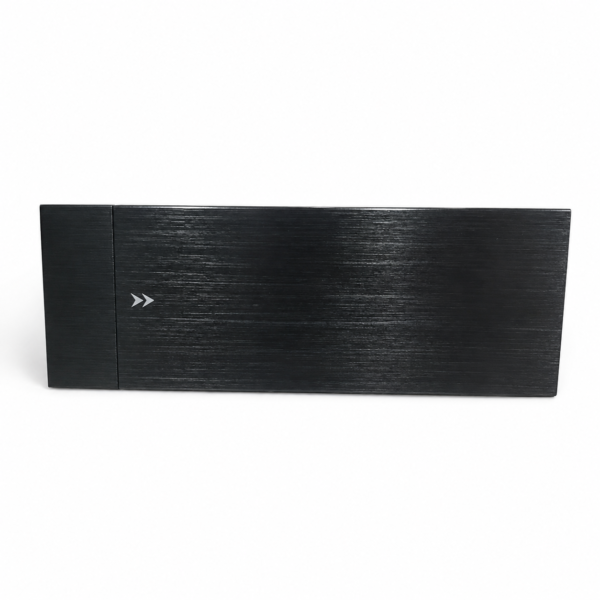
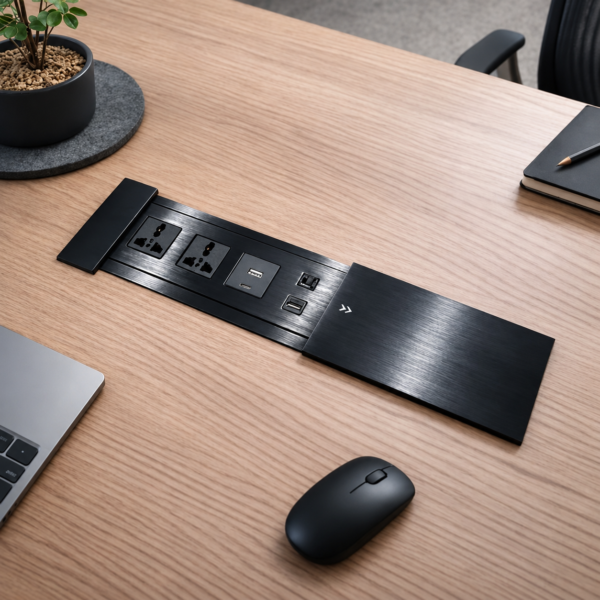
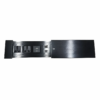
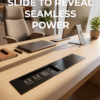
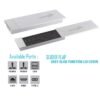
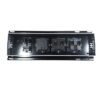
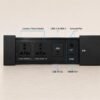
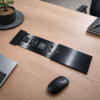
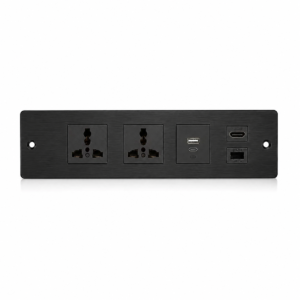
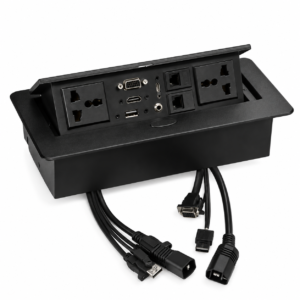
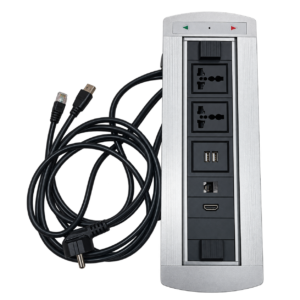
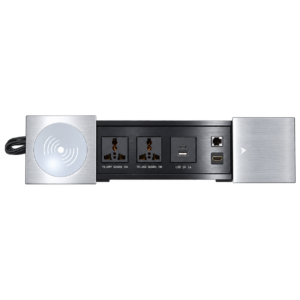
It's an all-in-one power and connectivity module for desks and conference tables — combining power outlets, USB charging, HDMI video, and a network port in a single unit. Slide it open to access ports, then slide it shut for a clean, flush surface when not in use.
2. What is the HDMI port used for?
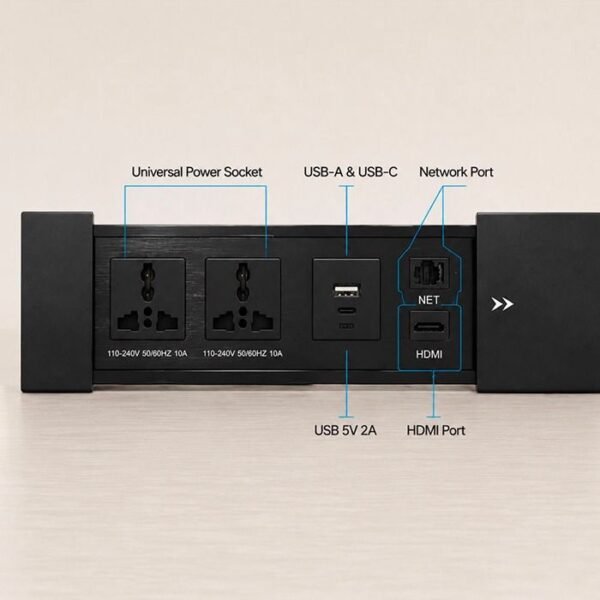
The HDMI port lets you connect a laptop directly to a display, projector, or TV for presentations and video conferencing — useful for sharing your screen in meeting rooms without needing separate cables running across the table.
3. What is the NET port for, and what cable does it use?
The NET port is a CAT6 ethernet port for a wired internet connection, providing a stable, faster alternative to Wi-Fi. It requires a standard CAT6 network cable connected to your router or network switch.
4. What plug types does the power outlet support?
It features dual universal outlets rated 110–240V, 50/60Hz, 10A, compatible with multiple plug standards (US, UK, EU, AU-style), suitable for international offices and mixed-device environments.
5. How CurtZee sliding table socket is installed?
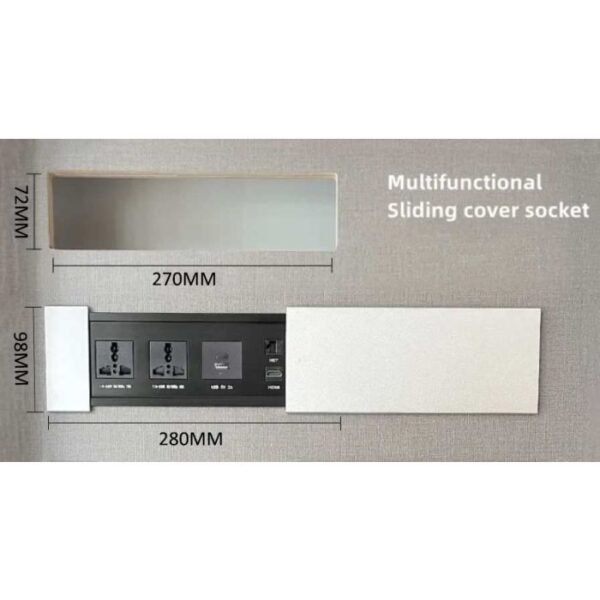
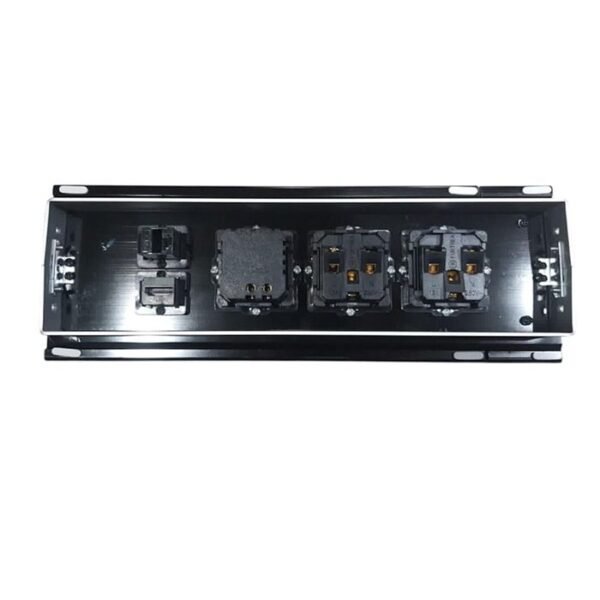
It's designed for recessed mounting into a desk, conference table, or countertop cutout. Installation involves cutting an opening to the unit's dimensions, running power and data cables, and securing the housing. Professional installation is recommended for electrical and network wiring.
6. What size cutout is needed?
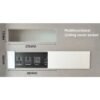
Cutout dimensions (10.6" * 2.8") contact for exact length, width, and depth requirements before cutting your furniture.
7. Is the sliding mechanism durable for daily use?
Yes, it's built with a smooth-glide track designed for repeated daily use in offices and meeting rooms. Avoid forcing the slide or applying excessive side pressure to maintain long-term alignment.
8. Can I connect a laptop, projector, and network cable at the same time?
Yes, all ports (power, USB-C, HDMI, and NET) operate independently, so you can use multiple connections simultaneously — ideal for presentations requiring both display output and wired internet.
9. Is this suitable for home use, or is it strictly for offices?
While designed with conference rooms and offices in mind, it works well in any setting needing integrated power, charging, and AV connectivity — including home offices, media rooms, and study setups.
10. How do I clean and maintain the unit?
Wipe the aluminum and matte black surfaces with a soft, dry, or slightly damp cloth. Avoid moisture near the outlets, USB, HDMI, and network ports.
11. Does it come pre-wired, or does it need professional installation?
It requires wiring to your power source and network during installation. A licensed electrician (and IT technician for network setup) is recommended for a safe, code-compliant install.
12. Can this replace a traditional wall outlet and separate AV cabling in a conference room?
Yes — that's its main advantage. It consolidates power, charging, video, and network access into one flush-mounted unit, reducing the need for multiple wall outlets, floor cables, and visible AV wiring.

Reviews
There are no reviews yet.